Stepping into the scene

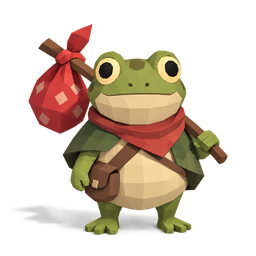
Put Bog Frog in the scene

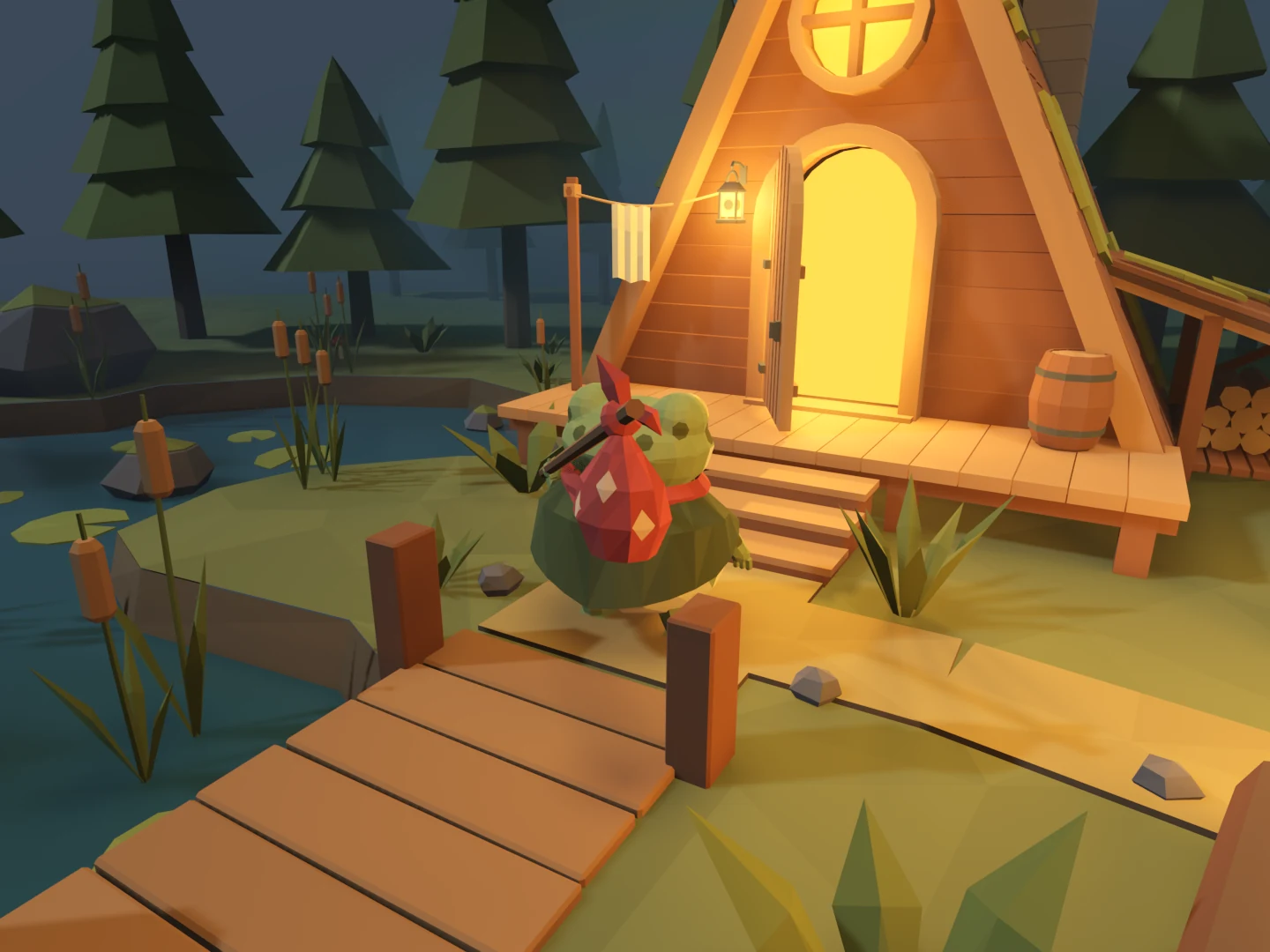
With the cabin and clearing assembled, we added Bog Frog as a controllable character. This first pass covered moving, turning, and hopping. He still held a fixed pose while travelling; animation would come next.

Getting him into the scene also gave us a practical scale check. We could stand beside the cabin, cross the bridge, and see the environment from his height.

Make the route usable

The scenery needed collision before we could explore it. We gave the bridge a continuous walking surface and used a ramp over the steps so he could reach the porch. Solid trees and props blocked movement, while small plants stayed out of the way.

A fall reset returned him to the starting area. The later shoreline barriers were not part of this build.

Keep three camera views

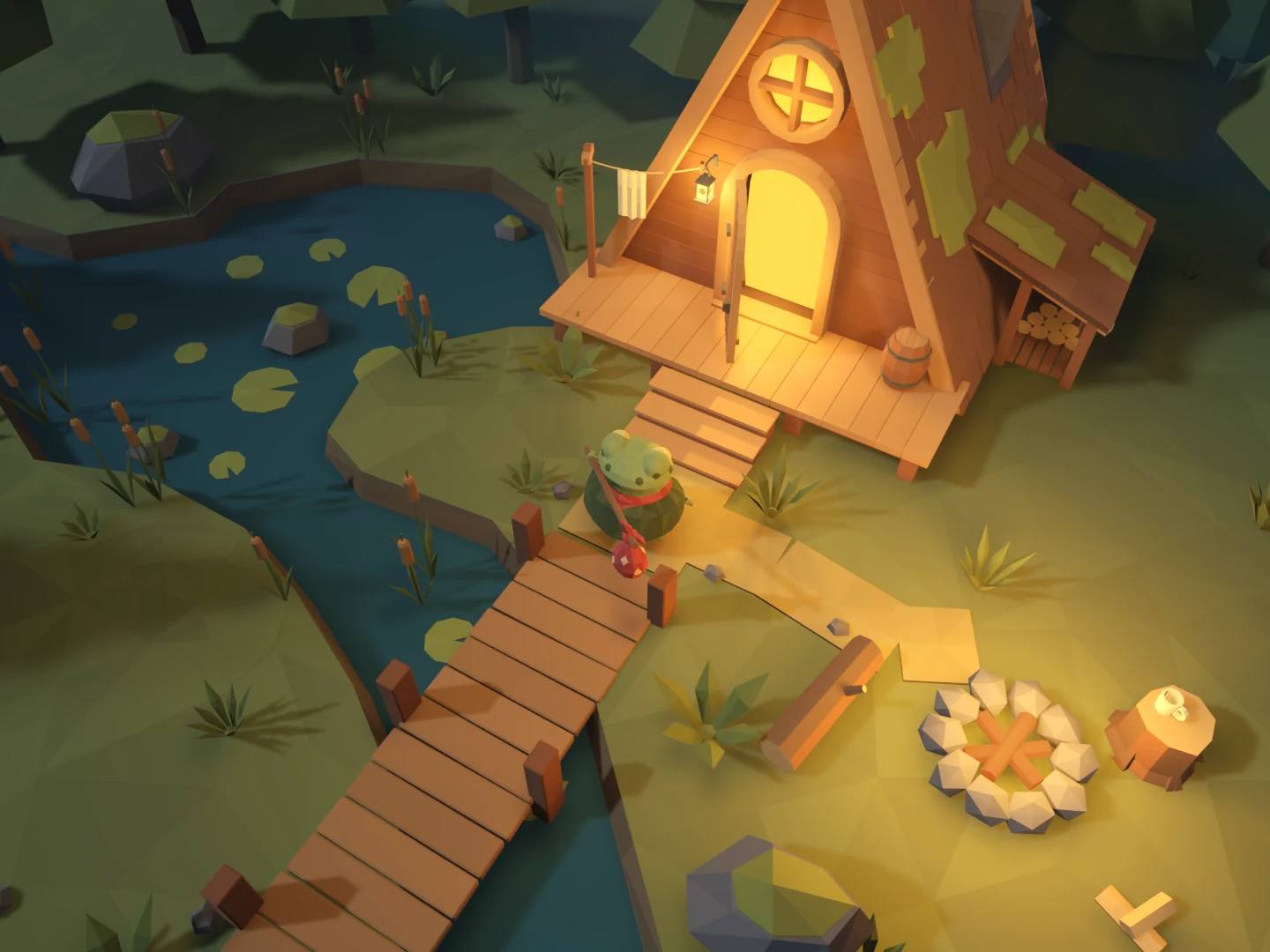
We added high, close-follow, and first-person views. The high camera showed the layout; the closer views helped us check the cabin and paths at character scale. Switching between them made it easier to review the same scene without repositioning a separate camera.

By the end, the clearing was playable. The next job was to replace the sliding pose with a walk.

We also did…

  • Added keyboard and controller input bindings.
  • Added a return-to-start control.
  • Checked bridge, stair, and camera collision behavior.
Building Bog Frog’s home

Start with the parts

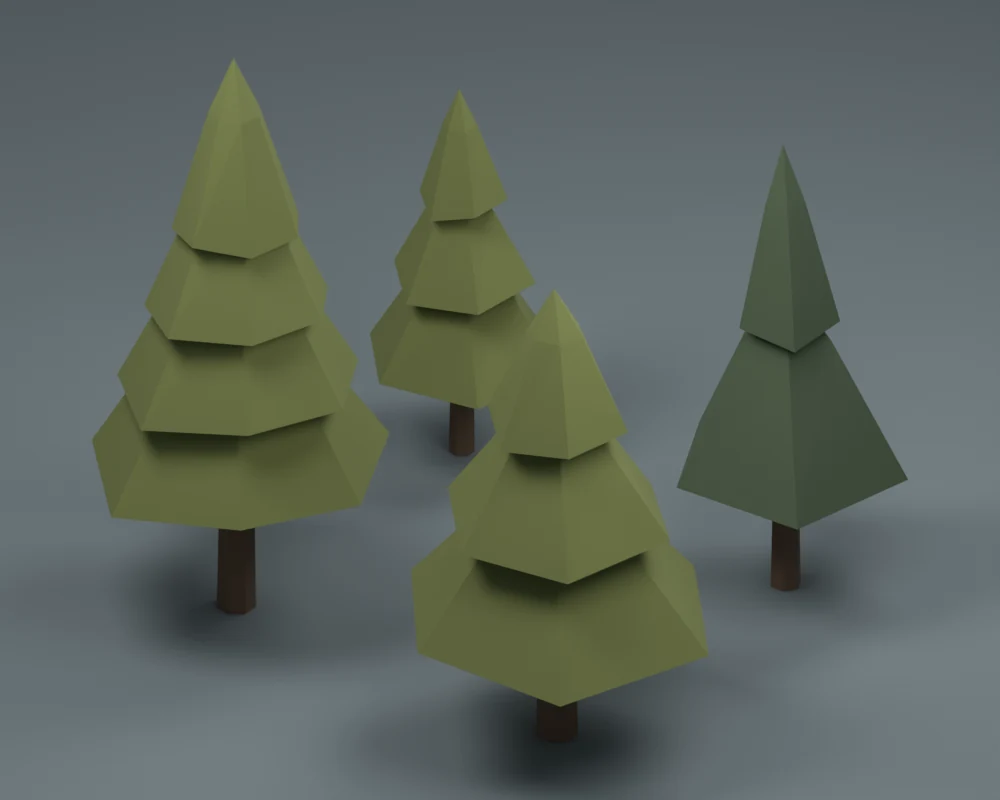
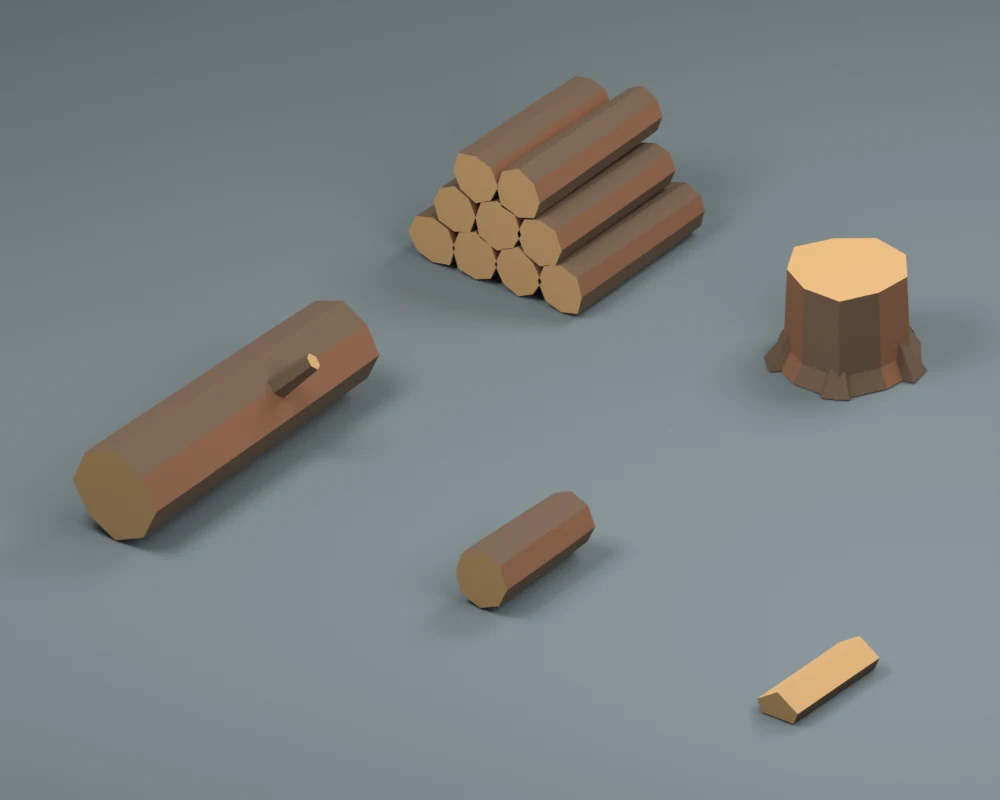
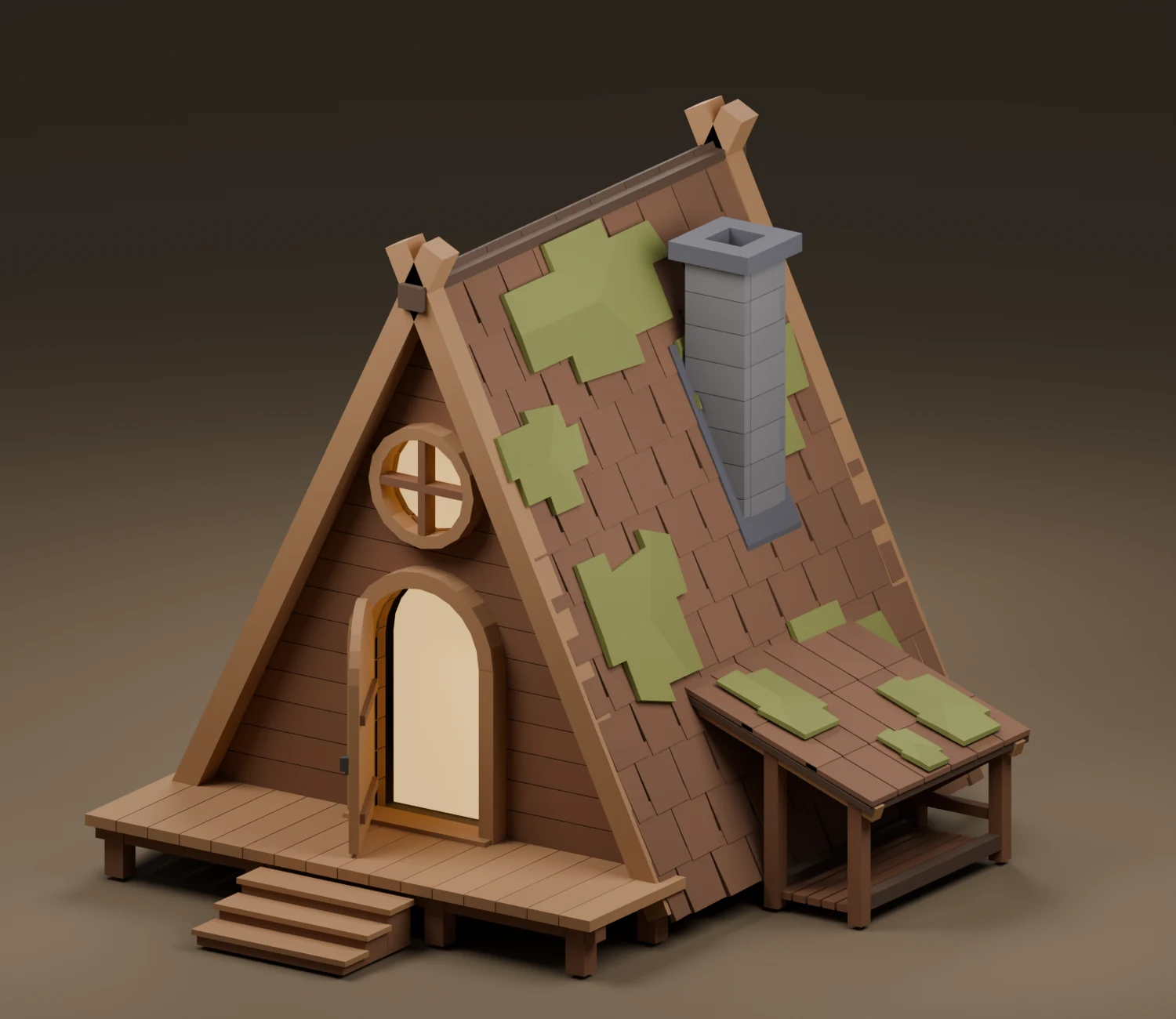
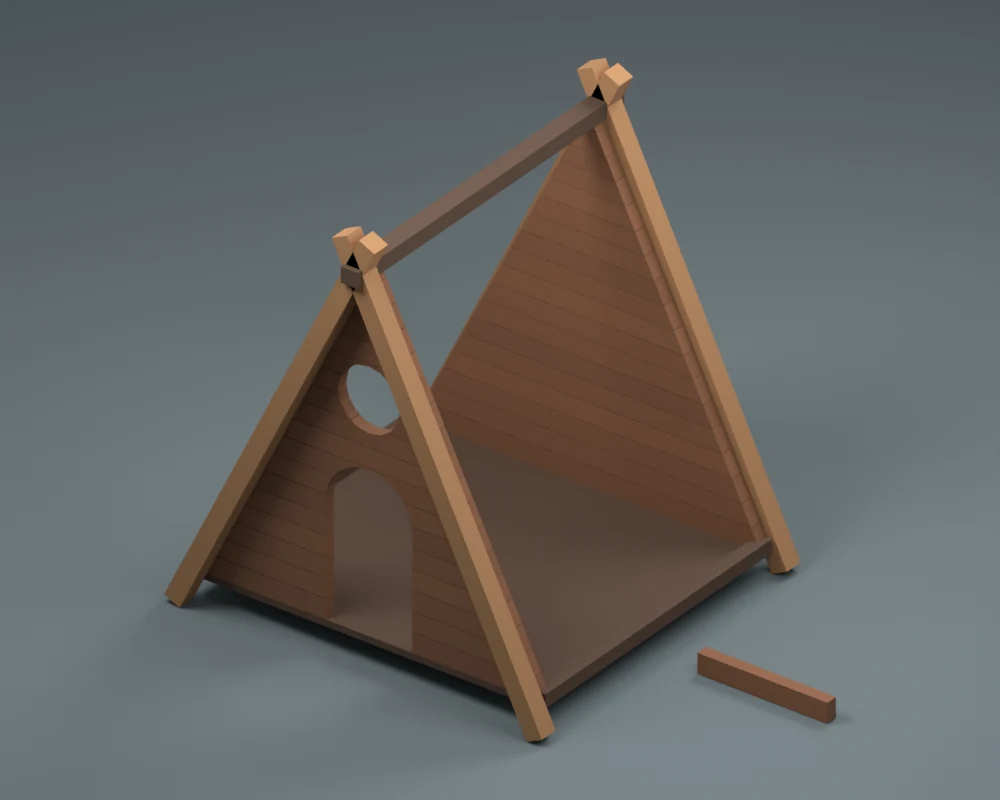
We broke the woodland scene into 20 asset kits. The cabin needed a frame, roof, openings, porch, stairs, and chimney. Around it, we needed trees, rocks, plants, a bridge, and campsite props.

We modeled the pieces separately in Blender, using a shared palette and broad, simple shapes. That gave us 61 reusable assets to arrange in Godot. The library included the small stuff too: firewood, a clothesline, and a mug for Bog Frog.

Browse the full asset guide →

Assemble the cabin

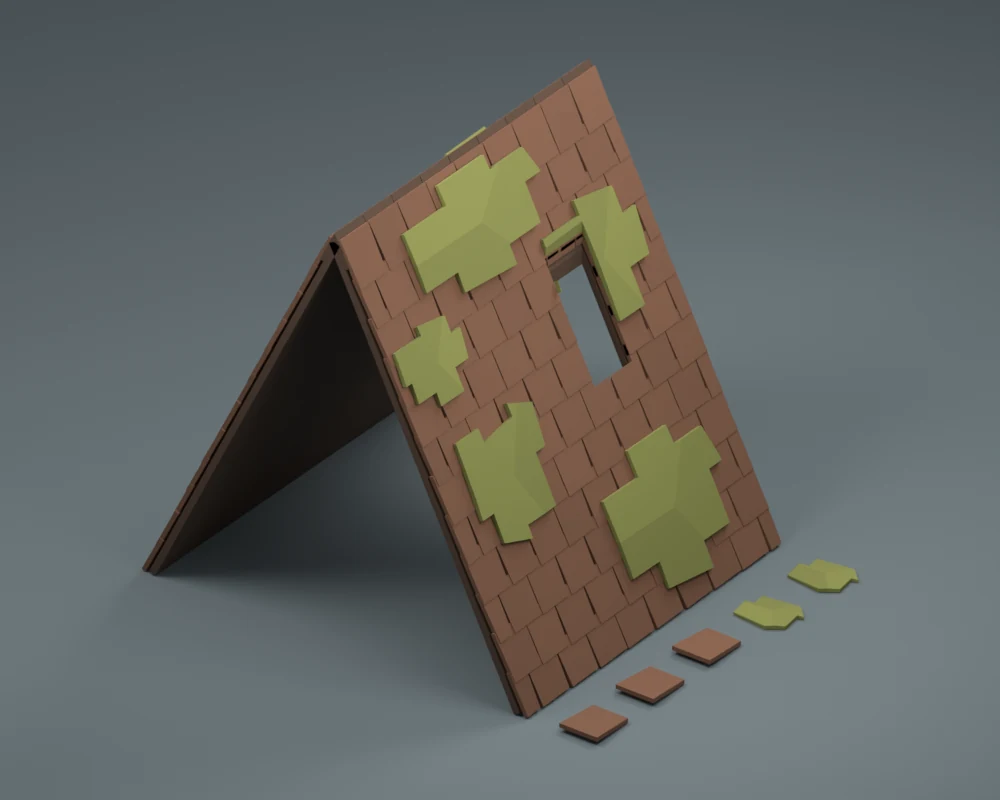
Before composing the forest, we fitted the cabin pieces together. The roof had to sit on the frame, the openings had to meet the walls, and the porch and stairs needed to line up. We reviewed the assembled cabin while keeping its parts separate for reuse and editing.

Lay out the scene

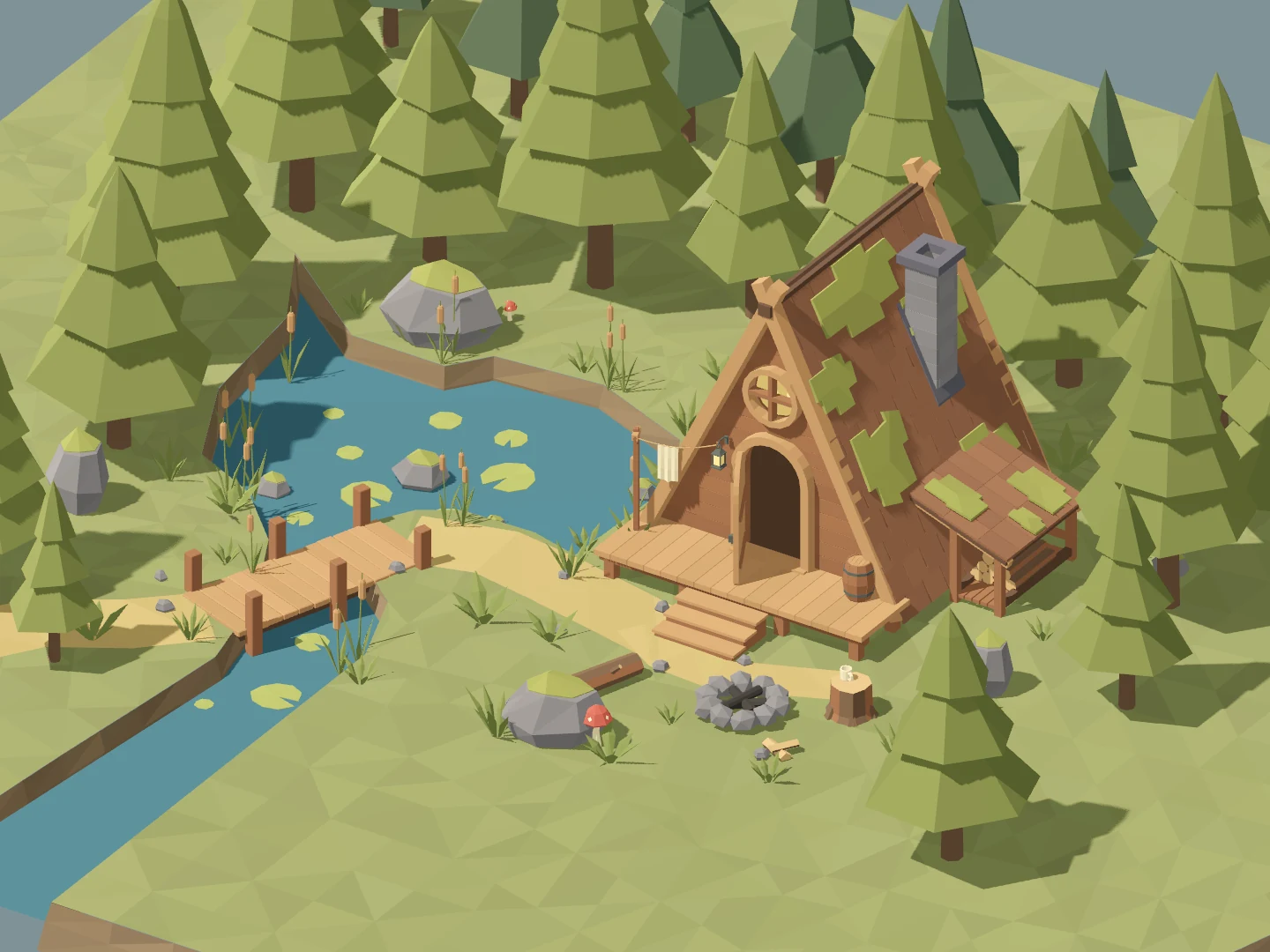
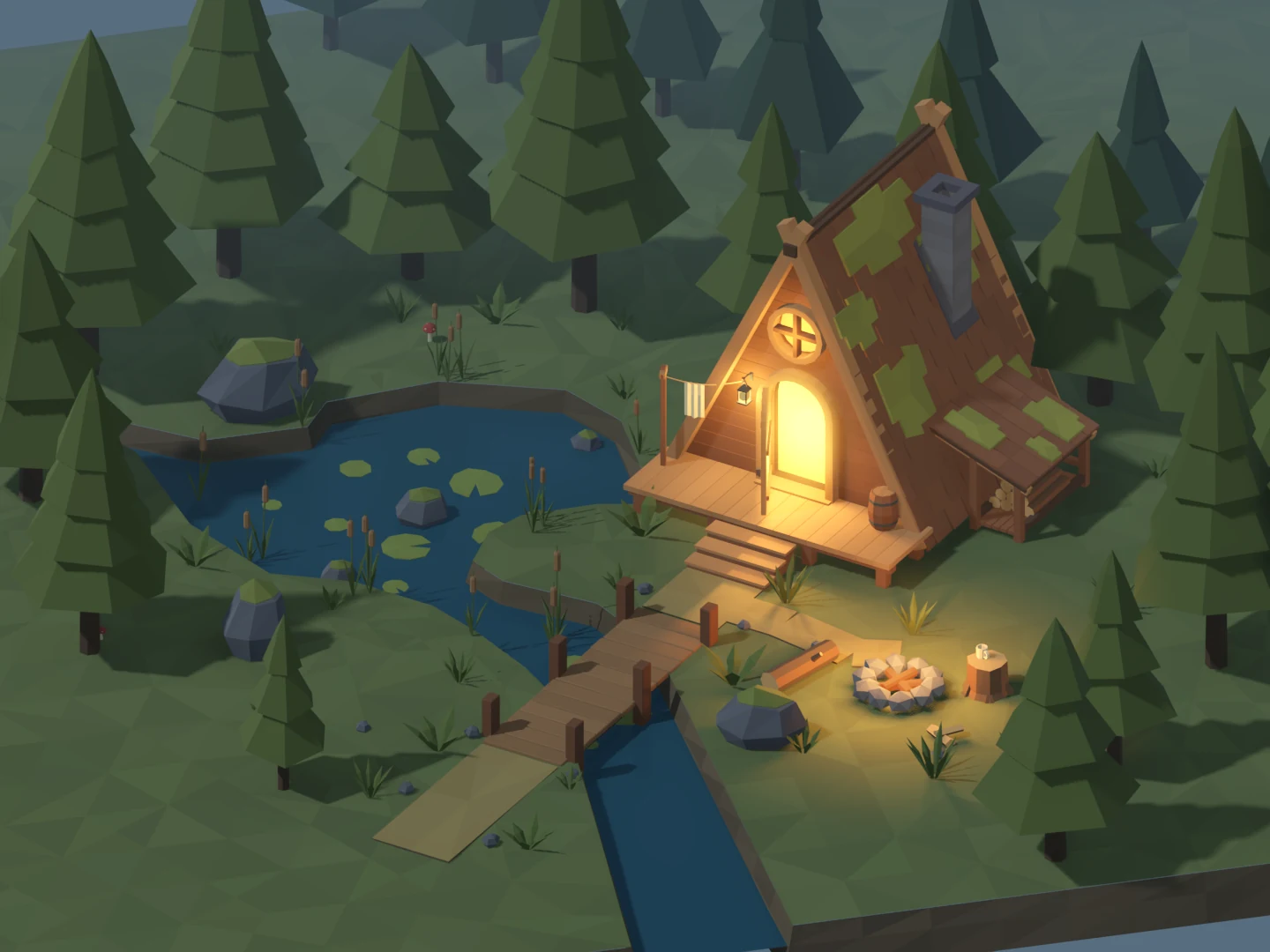
We moved into Godot to place the cabin, pond, paths, bridge, and campsite. The first layout established the main shapes. Then we moved the bridge directly in front of the steps and shifted the campfire and coffee stump to the right.

Those changes used the existing assets. We kept Bog Frog out of the scene while we worked on placement.

Finish with lighting

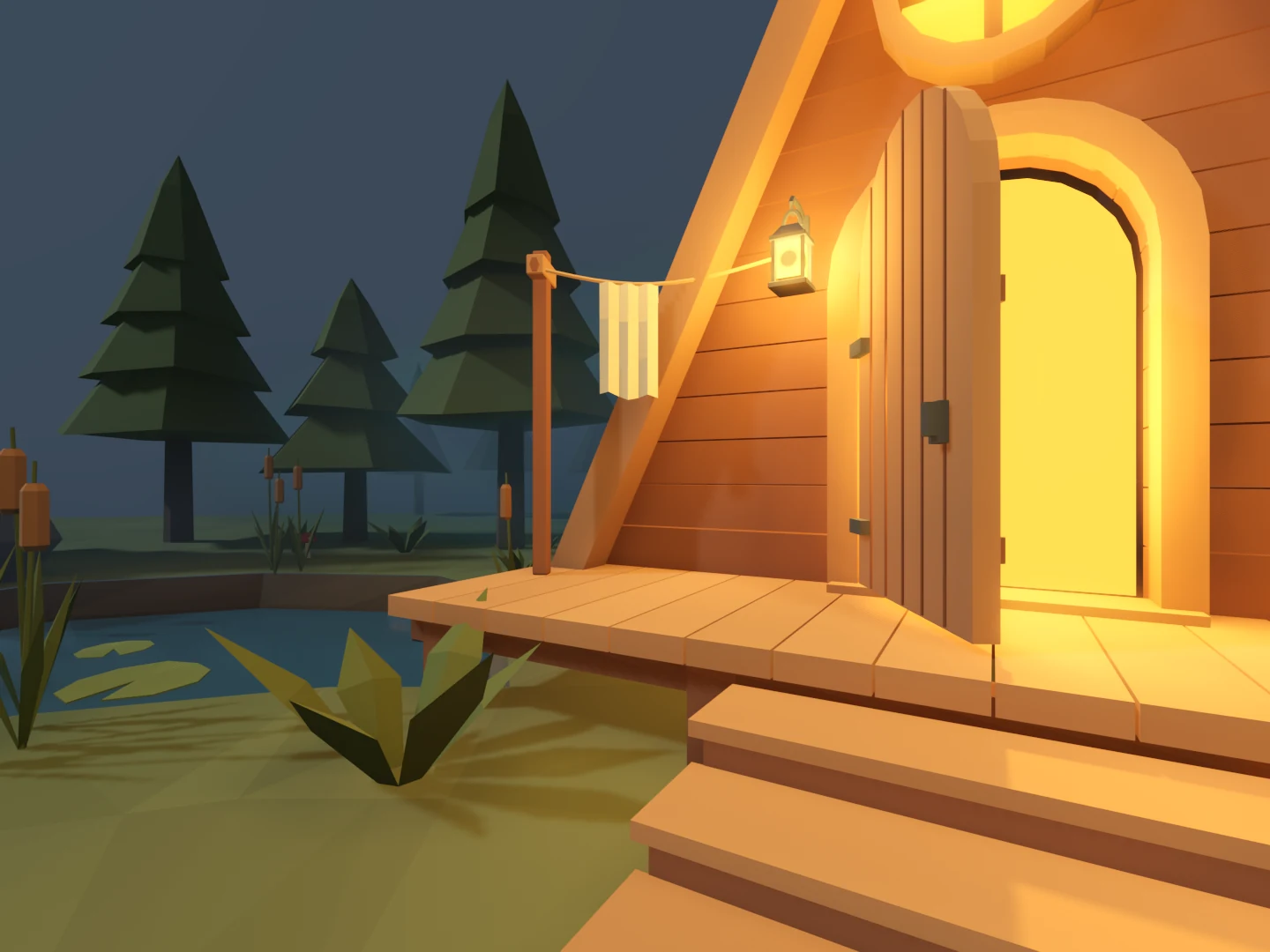
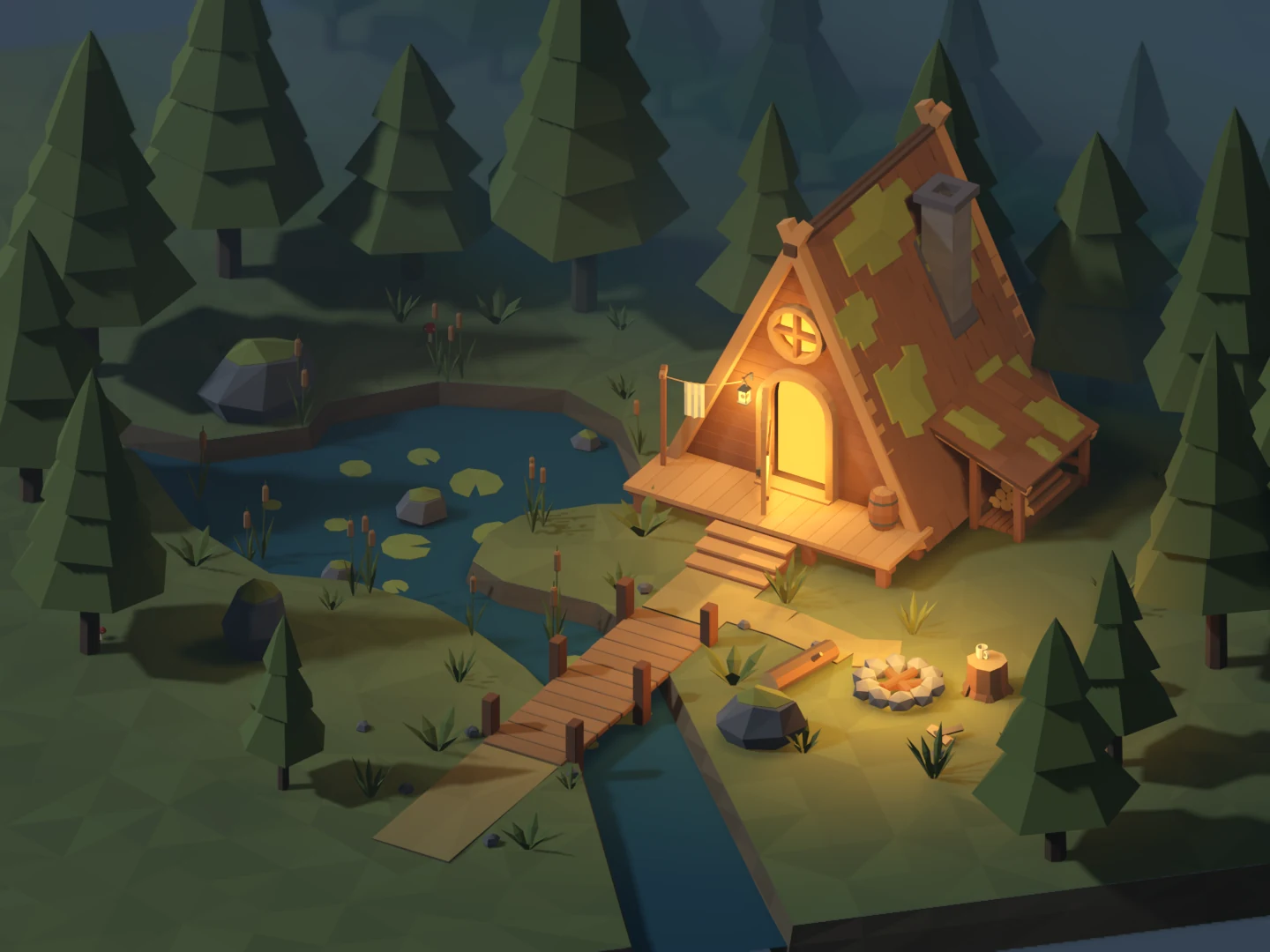
The first dusk pass still looked flat. We lowered the ambient light, spread warmer light across the doorway and campsite, and added mist behind the clearing. The models and layout stayed unchanged.

That completed the static scene review. Water, animated effects, and the playable frog came afterward.

We also did…

  • Checked every kit and asset export in Godot.
  • Added composition, overhead, and cabin review cameras.
  • Added daylight comparison, scroll, and pinch zoom controls.